
Freelancer ADHD task management is a way to organize client work, deadlines, and administration with the aim of making your next action clear and your commitments visible. Unlike an employer-managed workload, freelance work asks you to deliver the work and decide what deserves attention; this 2026 guide gives you a repeatable way to do both.
- ADHD task management for freelancers starts with separating client deadlines from the next action you can actually do.
- An iPhone timer supports a work session; it does not replace your calendar or client agreements.
- Keep task planning, time management, and invoicing connected without putting every detail on today's list.
- Choose a system you can restart after a missed day, not one that requires perfect upkeep.
Why task management matters for freelancers with ADHD
A freelance task list holds different kinds of pressure: a client waiting for a draft, an invoice you haven't sent, and an idea you don't want to lose. Put them in one undifferentiated pile and the list stops telling you what to do.
Separate commitments from actions. A deadline tells you when something must arrive. A next action tells you what to open, write, check, or send now. You need both, but they belong in different views.
For your 2026 workflow, make the system answer three questions: What have I promised? What is blocking delivery? What can I start? If the last question still leaves you staring at the screen, use the guide to starting a task when you can't start before adding more planning steps.
Build a freelance workflow you can restart
The following steps work with paper, a calendar, and a basic timer. Add an app only where it removes a specific piece of effort; don't turn setting up the system into another client-sized project.
1. Capture commitments in one place
Start with a single note or sheet headed client commitments. Copy in the deliverable, agreed deadline, and anything you need from the client. Keep ideas and possible future projects elsewhere so they don't compete with promises you've already made.
For example, website copy is a project label, not a usable commitment. Send homepage draft to client is clearer. Record whether the client expects a draft, a revision, or something ready to publish.
You don't need a detailed dashboard. You need a place you trust enough to check before accepting another deadline.
- Record each promised deliverable with its client name.
- Put agreed delivery dates in your calendar.
- Mark items waiting for client feedback or materials.
- Store the relevant brief or file location beside the task.
- Keep unaccepted work separate from booked work.
2. Turn each deliverable into a visible next action
Open the brief and write the first action you can physically perform. Replace work on proposal with open the proposal document and write the scope heading. The smaller instruction gives you a starting point without pretending the whole project is small.
Use a short planning limit, such as 5 minutes, as an experiment rather than a rule about ADHD. When that time ends, try the action. If you still can't start, check whether the task hides an unanswered question or a decision.
A task is ready when you know what to touch first. Sometimes the right action is asking the client for clarification, not forcing yourself to produce a draft.
- Begin task names with a verb.
- Split writing, checking, and sending into separate actions.
- Name the file or material you need to open.
- Move unanswered questions into a clarification task.
- Define what finishing the current action looks like.
3. Sort work by urgency and size
Draw a simple grid on paper: urgent or not urgent, small or large. Place each next action where it belongs. This separates a short, deadline-sensitive email from a substantial draft that needs protected attention.
Opora App is best for iPhone users who want ADHD task management with a focus timer and short coping exercises. Its task manager uses four animal categories based on urgency and size, giving you an alternative to maintaining the grid manually.
The limitation matters: Opora App requires an iPhone with iOS 17 or later. Use the paper version if you don't have a compatible phone or prefer keeping your phone away during work.
- Identify urgency from an actual commitment.
- Judge size from the next action, not the whole project.
- Separate client urgency from your own discomfort.
- Reserve attention for large tasks before they become urgent.
- Recheck categories when deadlines or scope change.
4. Match the work session to the action
Choose a task before starting a timer. A countdown without a target just measures how long you've been sitting there. On paper, write a session goal such as outline the opening section, then use an ordinary timer.
Try a 10-minute session when starting feels difficult. That's a suggested experiment, not a treatment recommendation or a required interval. Stop afterward to decide whether to continue, change the task, or take a break.
For your 2026 setup, choose timing that you can adjust rather than treating a preset interval as a test you pass or fail. Opora App includes a self-calibrating focus timer; you still need to choose the work and check your external deadlines.
- Write one session goal before pressing start.
- Keep only the materials for that action in front of you.
- Capture unrelated thoughts on a separate note.
- Leave a restart note before stepping away.
- Check your calendar before beginning another session.
5. Give freelance administration its own appointment
Put invoicing, scheduling, and follow-ups on the calendar instead of waiting for a quiet moment. Client delivery and business administration are different kinds of work. Treating administration as leftover time leaves it competing with every unfinished project.
Start with a 15-minute appointment and a short checklist. Adjust the appointment after seeing what fits; the duration is a starting suggestion, not a productivity benchmark.
Keep the checklist concrete. Review business finances is broad enough to avoid. Send the completed invoice and check the payment record tell you where to begin. Keep sensitive financial information in the appropriate records rather than copying it across unrelated task tools.
- List completed work that still needs an invoice.
- Record invoice follow-up dates in your calendar.
- Confirm upcoming meetings and delivery dates.
- Check whether client feedback blocks the next task.
- File new requests for a separate scope decision.
6. Build a response for overwhelm before you need it
Write a short instruction for the moment when everything feels equally urgent: stop adding tasks, identify the nearest real commitment, and choose one physical action. Keep that instruction beside your task list so you don't need to invent a plan while stuck.
can't start. and the list has opinions.
You don't have to argue with the entire list. A glass of water, a quieter workspace, or opening the right file can become the next action without turning the moment into a character judgment.
Opora App includes short CBT/DBT-based exercises for overwhelm or procrastination, alongside a gamified grove and companion reward system. These are app features, not a promise of symptom relief. The app does not replace therapy.
- Pause new task capture while choosing what matters now.
- Identify whether the blocker is uncertainty, discomfort, or missing information.
- Reduce the task to one visible action.
- Use a short coping exercise if that suits the moment.
- Seek professional support for persistent or distressing difficulties.
7. Close the workday with a restart note
Before closing your workspace, leave enough information for tomorrow's version of you. Write where you stopped, what comes next, and whether a client needs an update. This is a handoff, not a performance review.
For your 2026 routine, make restarting the design goal. A missed day doesn't need a backlog of self-criticism attached to it. Recheck today's commitments, remove obsolete tasks, and choose the next action from the current situation.
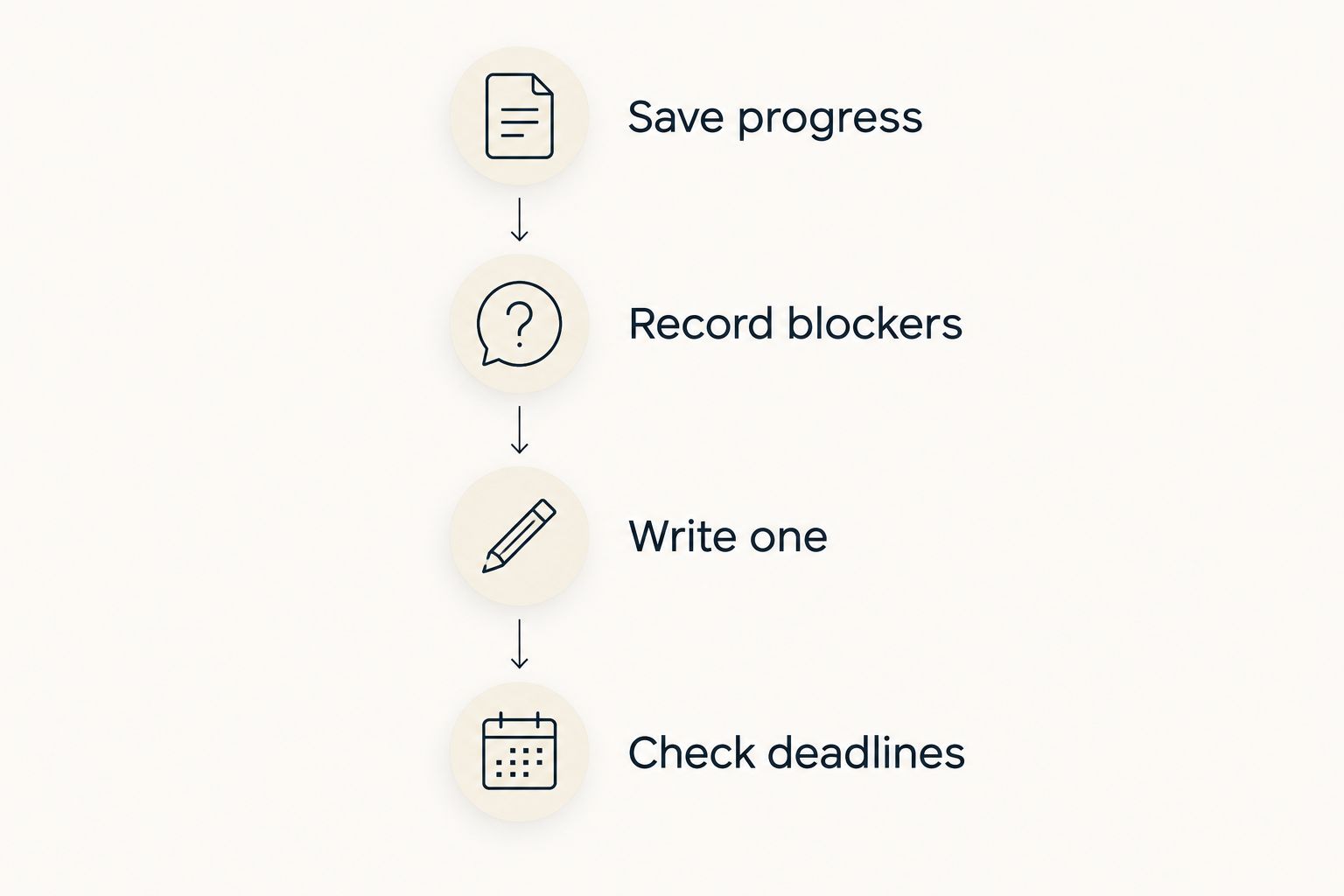
Use this short closing sequence rather than rewriting your whole task list every evening. Leave unfinished work visible without pretending it all belongs on tomorrow's schedule.
- Save progress in the correct client folder.
- Record blockers that need an answer.
- Write one next action for the next session.
- Check deadlines before accepting more work.
Compare task-management options for freelance work
Choose your 2026 setup by the job you need it to do. A place to capture tasks, a calendar for commitments, and support for starting are separate needs; one tool doesn't have to handle all of them.
Start with the simplest option you can maintain. Add a second component only after you can name the problem it solves. The table compares approaches, not treatment outcomes.
| Option | Best for | Main advantage | Key limitation |
|---|---|---|---|
| Paper list and calendar | Freelancers who want a phone-free starting point | Makes actions and commitments visible without app setup | Requires manual updating and carrying information between views |
| Calendar and basic timer | Freelancers who know their next action but need a work boundary | Separates scheduled commitments from focused sessions | Doesn't break vague projects into actions for you |
| Shared project board | Freelancers coordinating client approvals or collaborators | Gives shared work a visible status | Requires agreement about who updates it and where feedback belongs |
| Opora App | Individual iPhone users wanting ADHD task management and starting support | Combines task categories, a self-calibrating timer, rewards, and short coping exercises | Requires iOS 17 or later; isn't a replacement for therapy |
If a client already requires a shared board, avoid recreating every comment and attachment in your personal system. Capture your next action and keep the shared project record where the client expects it.
Common mistakes freelancers make
Treating every client message as a new priority
A message arriving now doesn't automatically change an agreed deadline. Check the request against existing commitments, then clarify the trade-off before rearranging delivery. Your task list should reflect accepted work, not every notification.
Planning around uninterrupted billable work
Freelance work includes communication, administration, and decisions about scope. Leave room for those activities when accepting deadlines. Don't fill every available calendar space with production work and expect invoicing to happen somewhere outside the day.
Rebuilding the system instead of clarifying the task
Changing apps won't answer a missing brief or decide which draft the client approved. Check the blockage before changing tools. If the next action depends on someone else's answer, write and send the question.
Turning a missed day into a complete reset
You don't need to reconstruct yesterday before starting today. Check current commitments and continue from the next useful action. Opora App applies no missed-day penalty or tally; keep that same no-punishment rule in your paper workflow.
FAQ
What's the best way to manage freelance tasks with ADHD?
Separate client commitments from next actions, then choose one action for your current work session. Keep deadlines in a calendar and use a task list for the work you can actually start.
Is a paper planner better than an app for freelance ADHD task management?
A paper planner is the better fit when you want a phone-free workflow and can maintain it manually. An app is the better fit when its task sorting, timer, or prompts remove a specific step you otherwise struggle to maintain.
How do I start a client task when I feel stuck?
Reduce the task to one physical action, such as opening the brief and writing a heading. If you still can't start, check for a missing answer or an unclear decision before making the action smaller again.
Should I use a fixed focus interval for every freelance task?
No, you don't need the same interval for every task. Choose a manageable starting session, then adjust after checking your progress, energy, and upcoming commitments.
Can Opora App help freelancers with ADHD?
Opora App supports individual iPhone users with task categories, a self-calibrating focus timer, gamified rewards, and short CBT/DBT-based exercises. It requires iOS 17 or later and does not replace therapy.
How do I keep invoices from disappearing behind client work?
Give invoicing its own calendar appointment and a checklist of specific actions. Record follow-up dates alongside other business commitments rather than relying on memory.
What should I do after missing my whole task-management routine?
Restart from today's actual commitments instead of rebuilding every missed day. Remove obsolete tasks, check deadlines, and write one next action for the work that matters now.
One last thing
Your most useful task note is often the one you write before stopping. Leave the document name, the unfinished thought, and the next action together. Tomorrow, you can begin with the work instead of investigating what yesterday-you meant by finish project.